What is the Equinox Client Access Portal?
The Client Access Portal is a simplified version of Equinox created specifically for your clients. It lets you grant secure, read‑only visibility of data such as cases, tasks and documents—exactly what you want them to see. Each client receives a unique login to view the progress of their matters as they develop.
Why IP law firms use it ⚖️
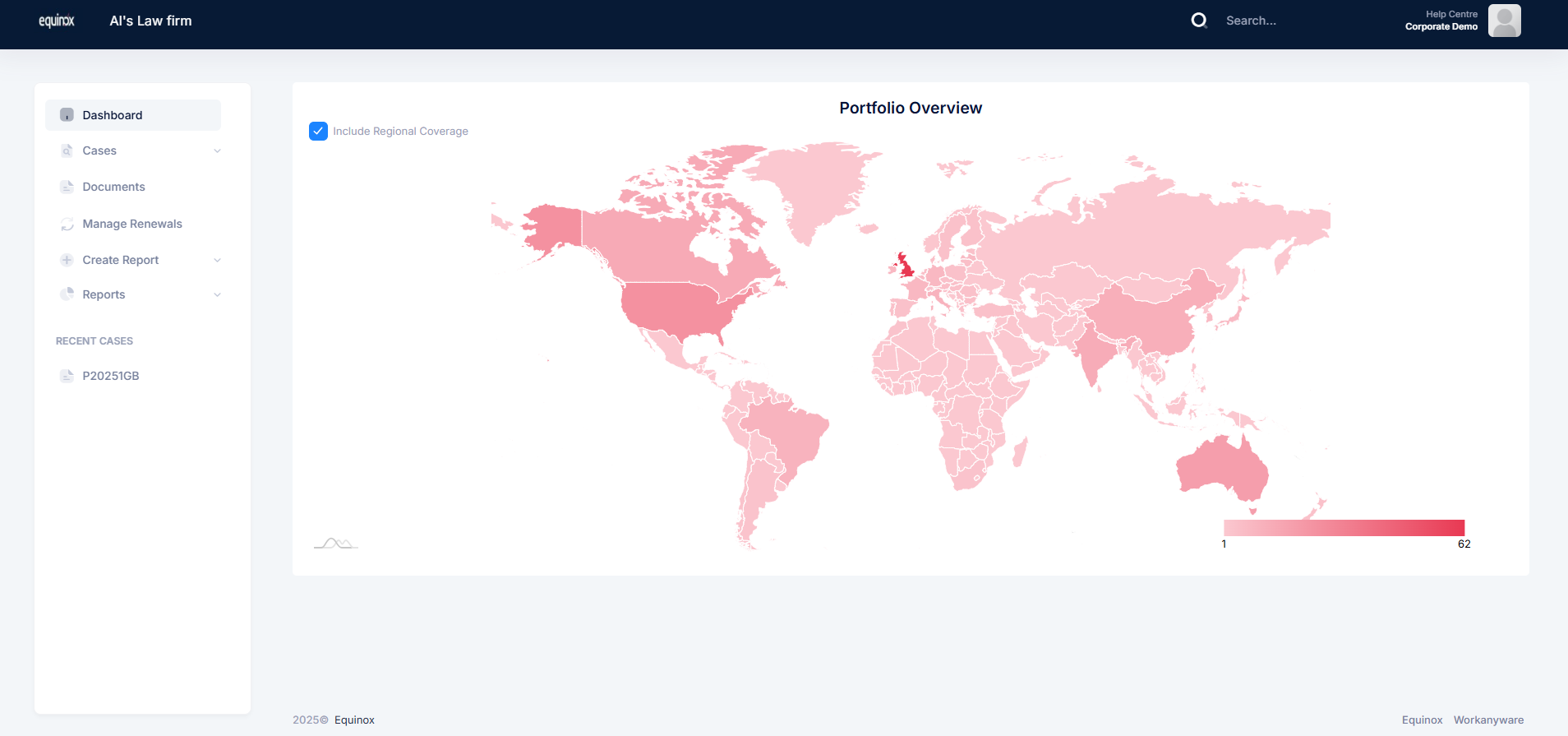
Client Access reduces the overhead of producing ad‑hoc spreadsheets and reports, while giving you full control over permissions and visibility. You decide precisely what clients can access, without any risk of them editing case data.
The Client Access Portal brings transparency to client relationships while preserving control and data integrity: you configure visibility, clients get real‑time insight, and your team spends less time on manual updates.
What your clients can see 👀
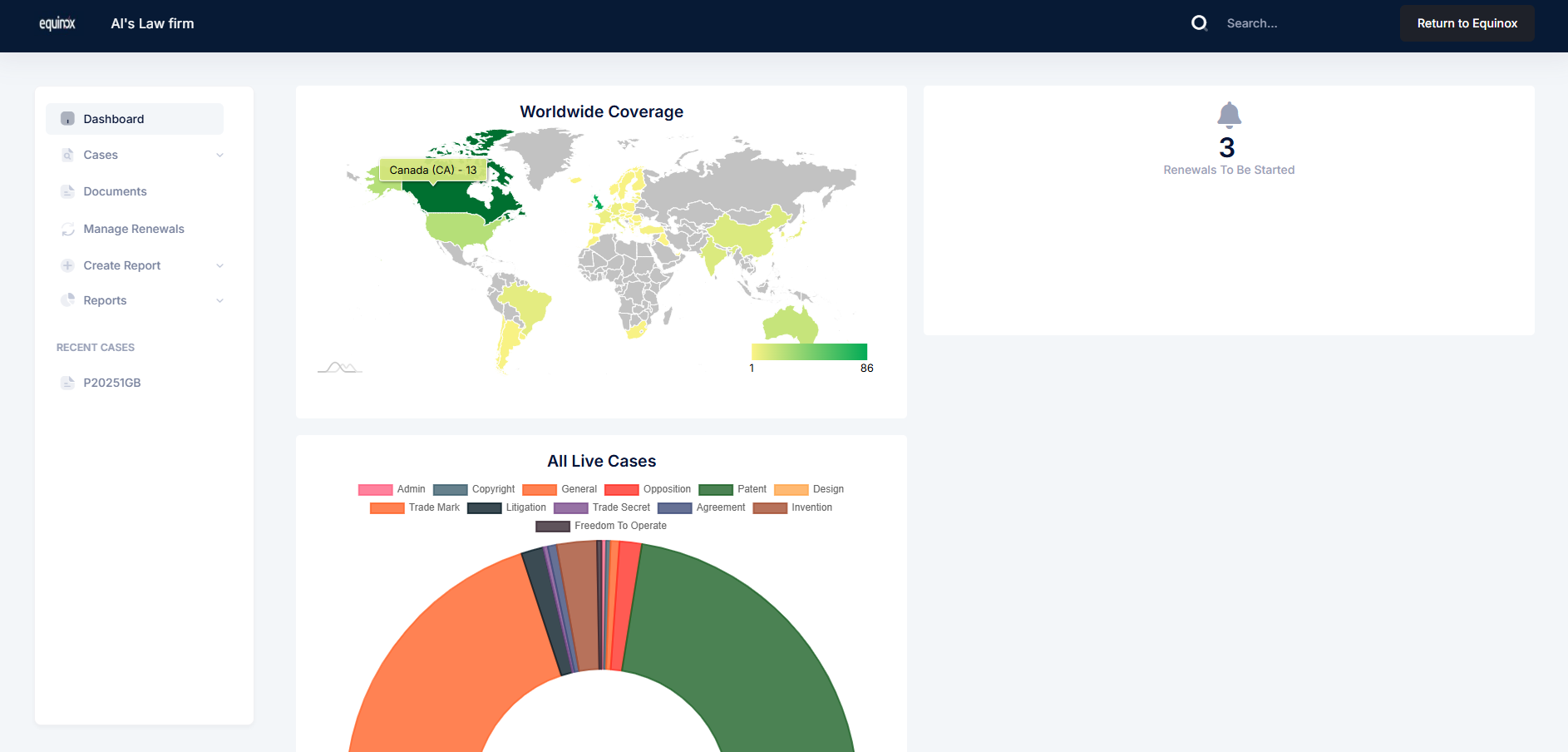
You configure the portal to surface the information that’s appropriate for each client.
Options include:
- Case tabs and case fields for at‑a‑glance matter insight
- Lists/Searches to quickly locate relevant items
- Reports so clients can view (and, if permitted, generate/download) the updates they need
- Dashboards for portfolio‑level visibility
- Other settings including renewals management where enabled
Read‑only by design 🔐
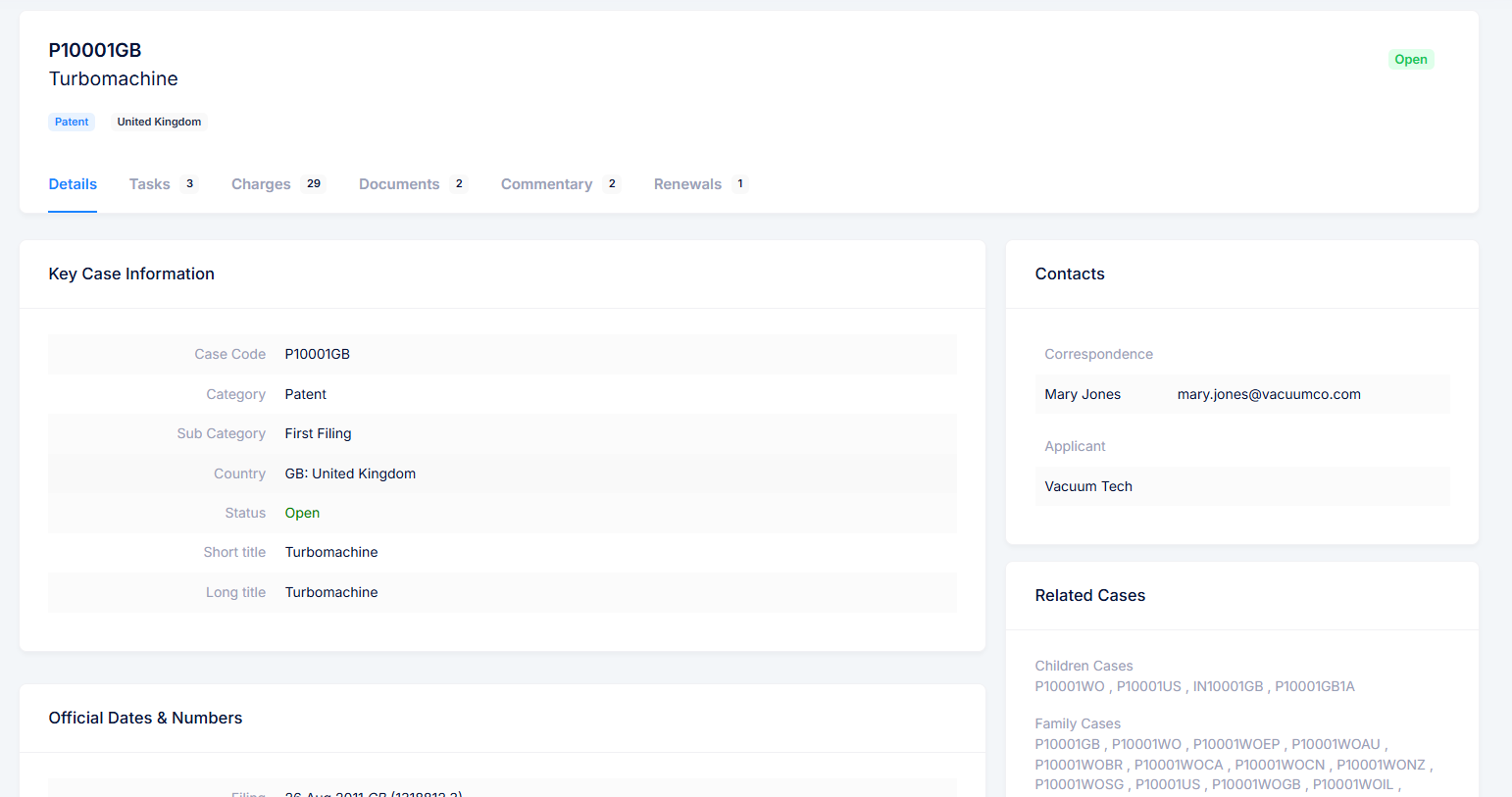
Case details are read‑only, protecting data accuracy. Where you enable it, clients can still generate reports, manage their renewals, or collaborate on documents—without the ability to alter underlying case information.
Powerful document collaboration tools 📄
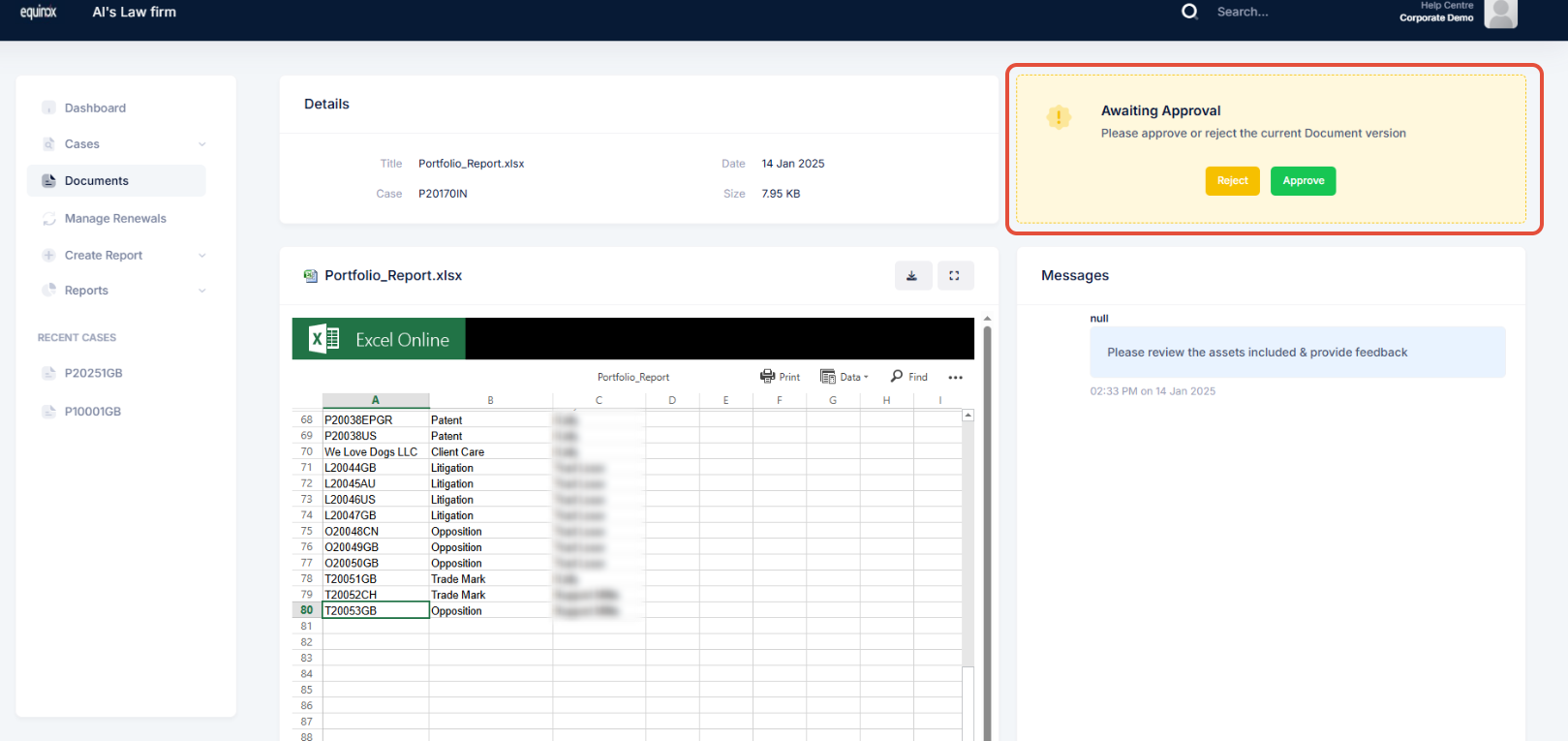
Control which documents your client sees and optionally turn on the “Document collaboration and messaging” tool to streamline your review and approval process.
Let clients view and/or manage their renewals 🔄️
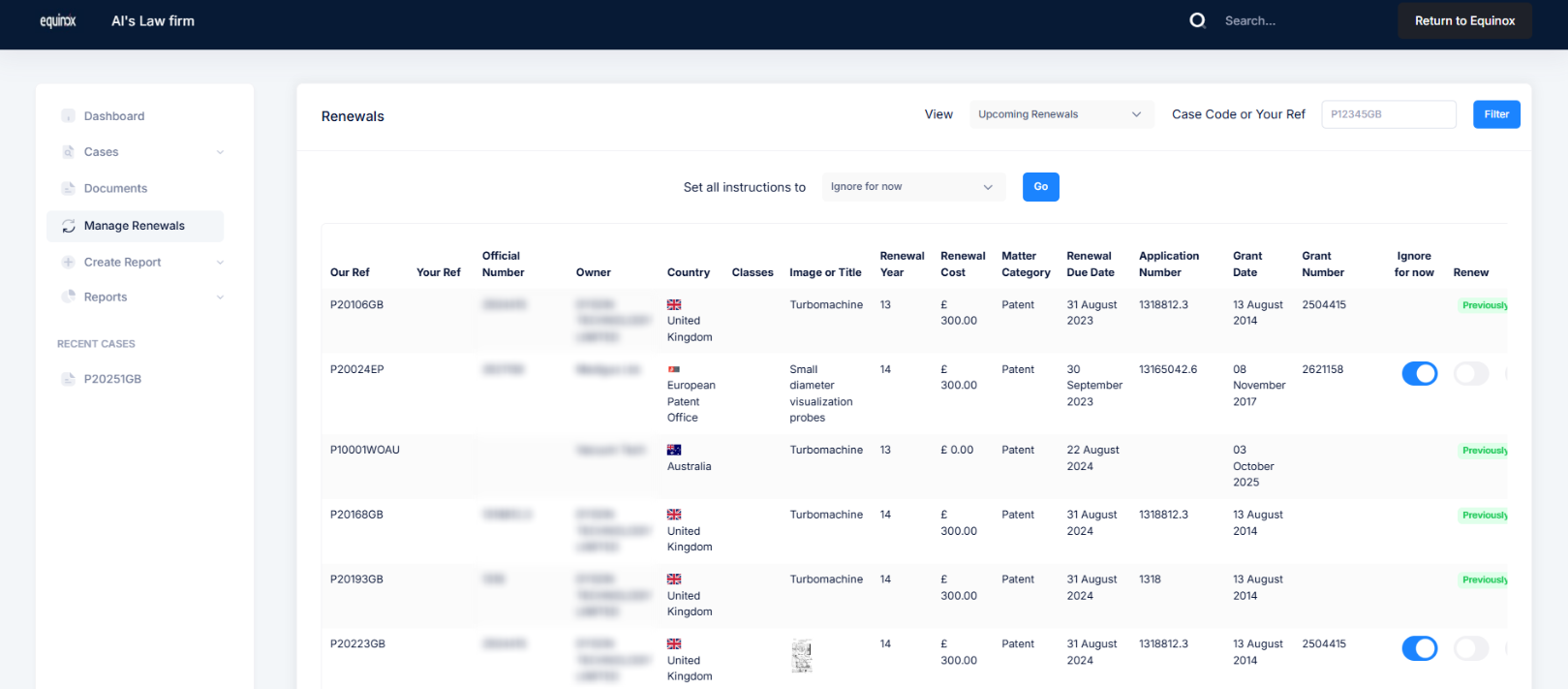
Give your clients access to view their renewals, and additionally you can turn on the option that allows them to manage their renewals by selecting and submitting their instructions to you from within the Client Access Portal.
How clients access the portal 🔍
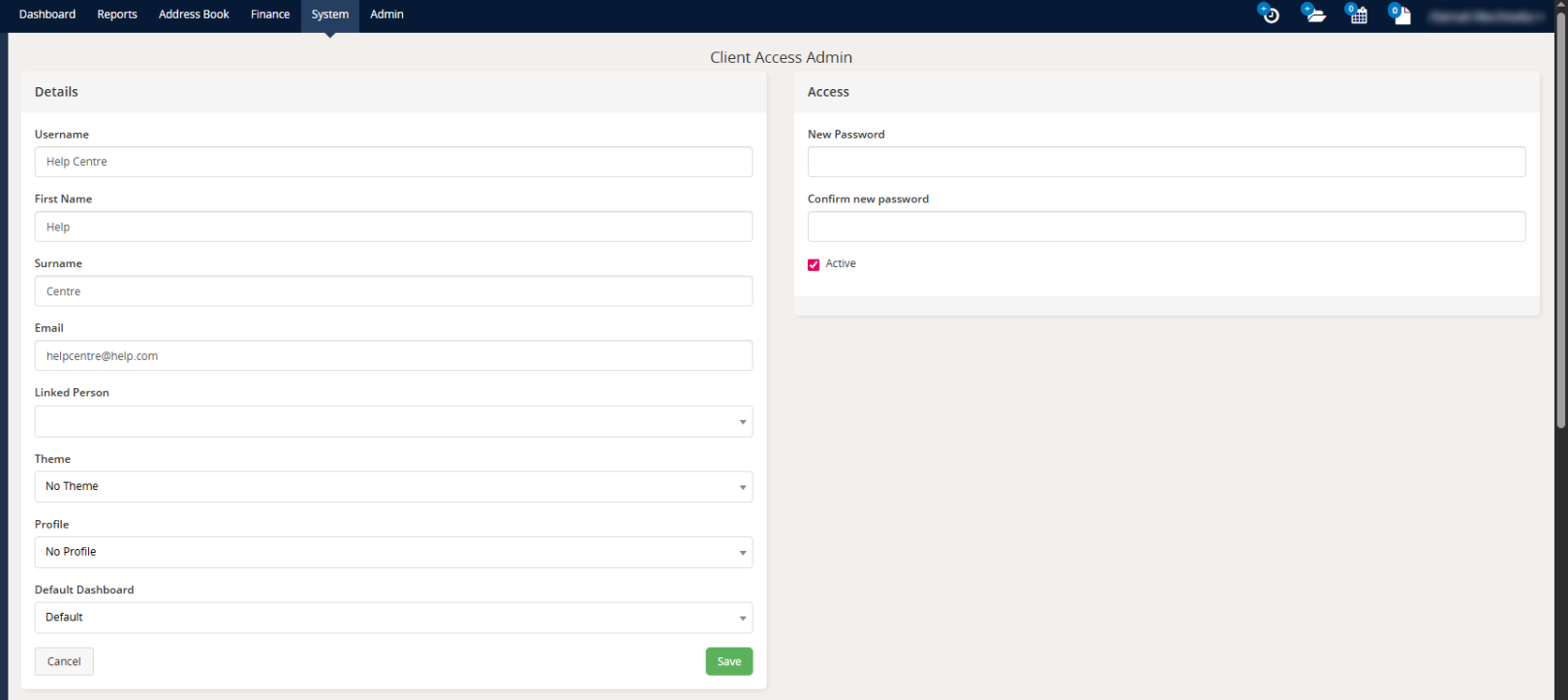
When you create a Client Access account, you set an email and password for your client. They sign in from the Equinox login page using those credentials and can view the information you’ve allowed.
Where you set it up 📍
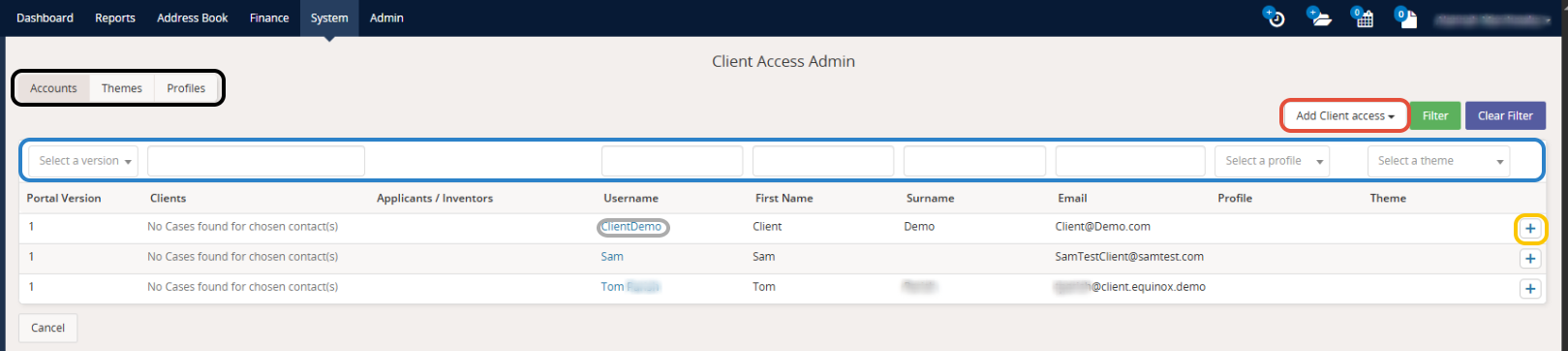
You’ll find Client Access in the System section of Equinox. From there, you can create client accounts and configure exactly which pages and features each client can access.
For more details about how the Equinox Client Access Portal can assist your organisation, speak to our sales team:
Looking to explore the Equinox product suite in more detail? Head to our IP Management Software page to find the right Equinox product for you.


